 KelzStudio
Finding a song and sending it live
Beginner · 3 min read
The Songs library lists your songs and presents each one as separate slides.
- 1
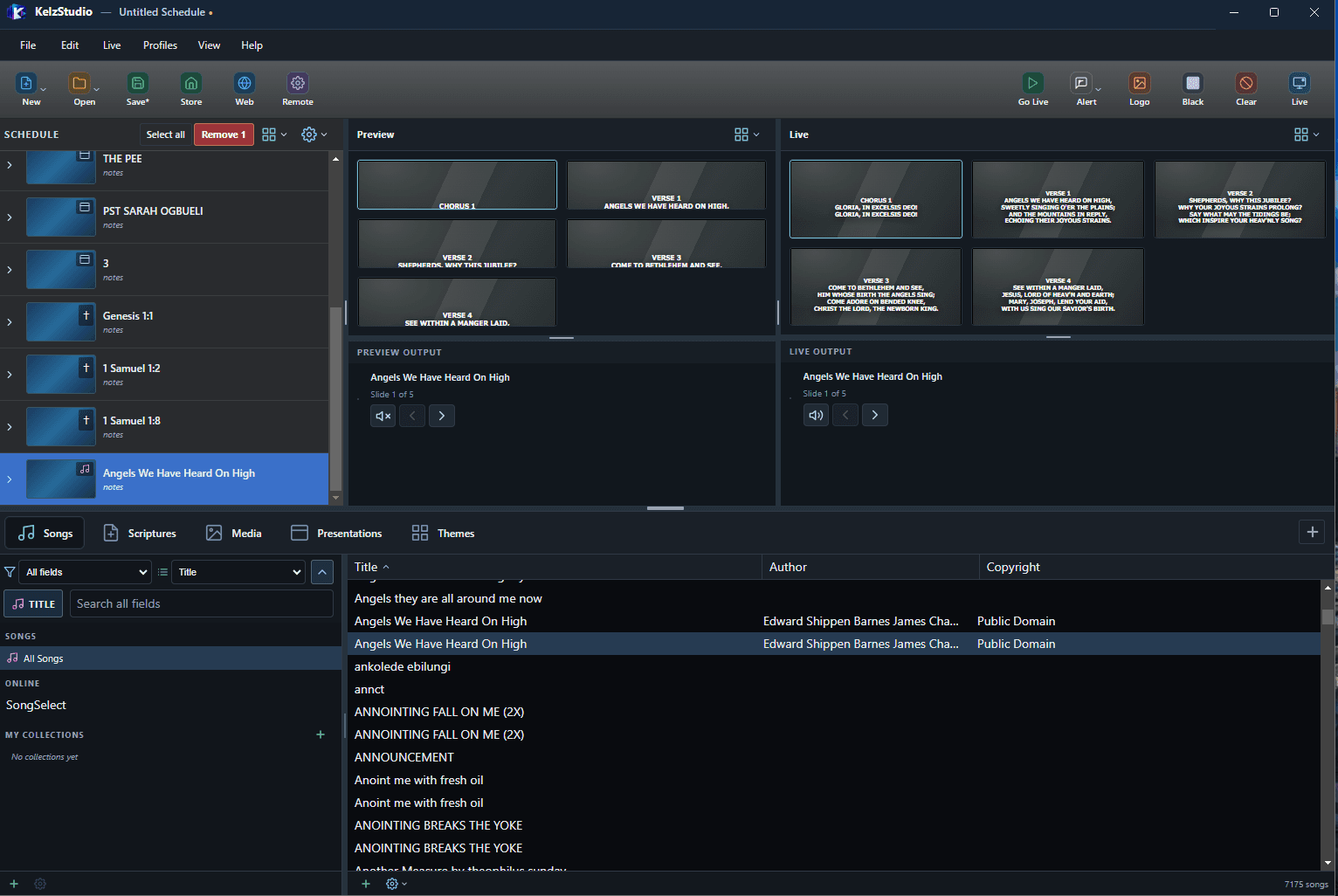
Open the Songs tab. The library lists songs by Title, Author and Copyright.
- 2
Type in the search box to find a song. The field selector is set to All fields by default.
- 3
Add the song to your schedule. It appears as slides labelled Chorus and Verse in Preview and Live.
- 4
Use the arrows under Live Output to move between slides.
Note: Show or hide section labels in Options > Main Output > Song.