 KelzStudio
Understanding the interface
Beginner · 3 min read
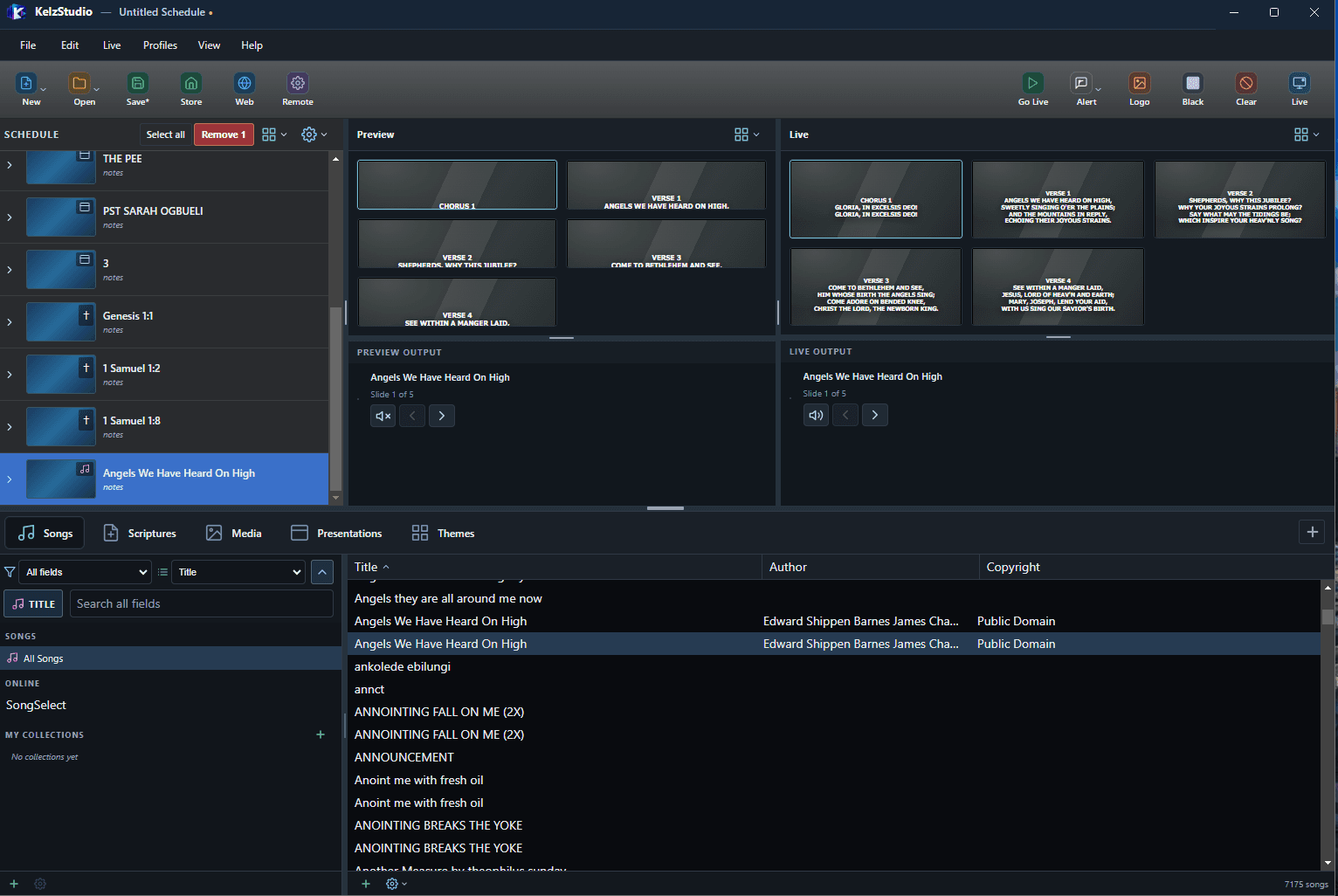
KelzStudio is organised into a Schedule, Preview and Live area, with your libraries along the bottom.
- 1
The toolbar holds New, Open, Save, Store, Web and Remote on the left, and Go Live, Alert, Logo, Black, Clear and Live on the right.
- 2
The Schedule on the left lists the items for your service or event.
- 3
Preview shows what you have selected. Live shows what the audience sees.
- 4
Songs, Scriptures, Media, Presentations and Themes tabs open your libraries.