 KelzStudio
Features
Everything below is based on the current KelzStudio interface.
RESOURCE LIBRARIES
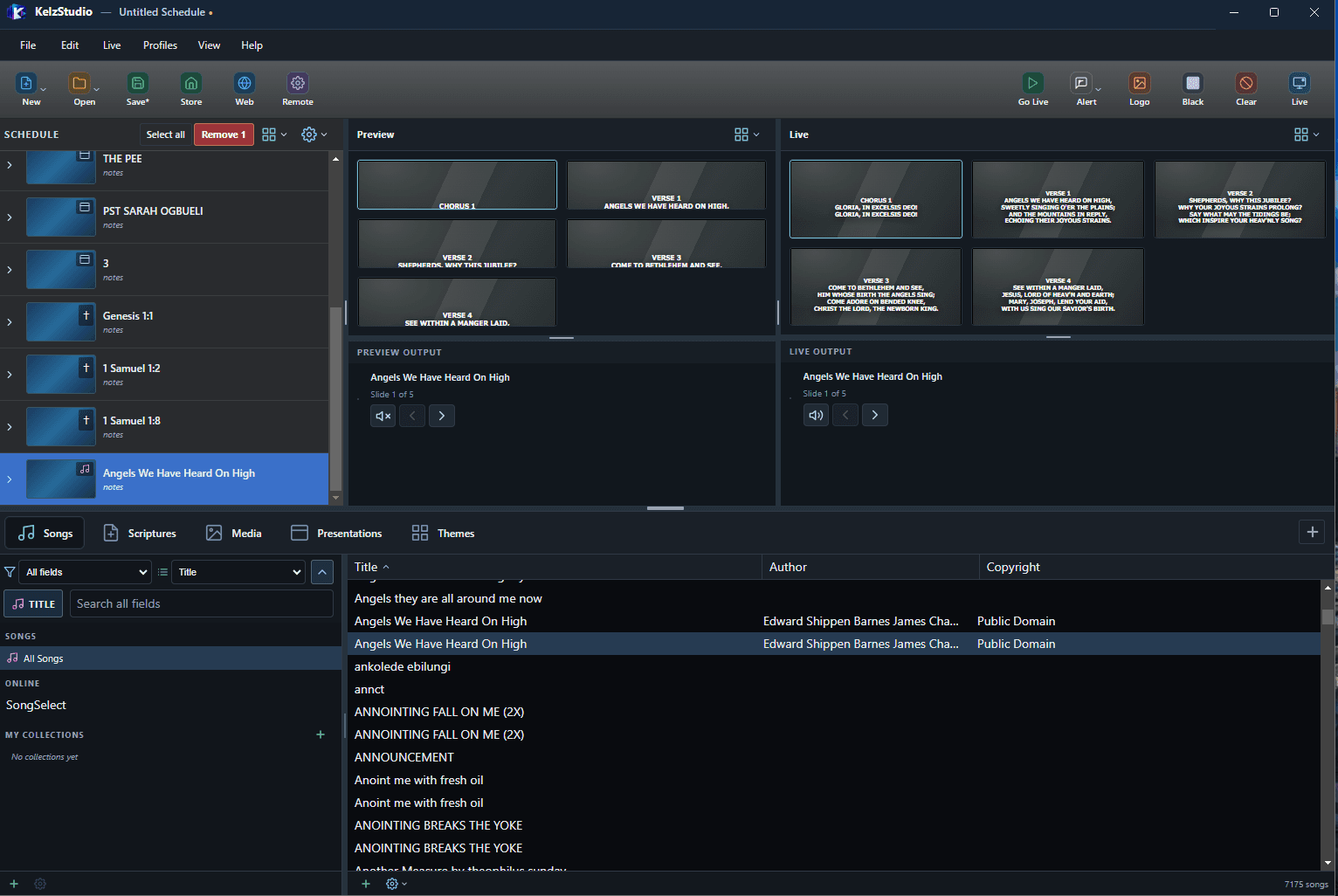
Songs
A searchable song library that turns songs into chorus and verse slides.
- Browse by Title, Author and Copyright, and search all fields
- Songs appear as labelled Chorus and Verse slides in Preview and Live
- Online song source and your own collections
- Song formatting and optional verse/chorus labels in Options
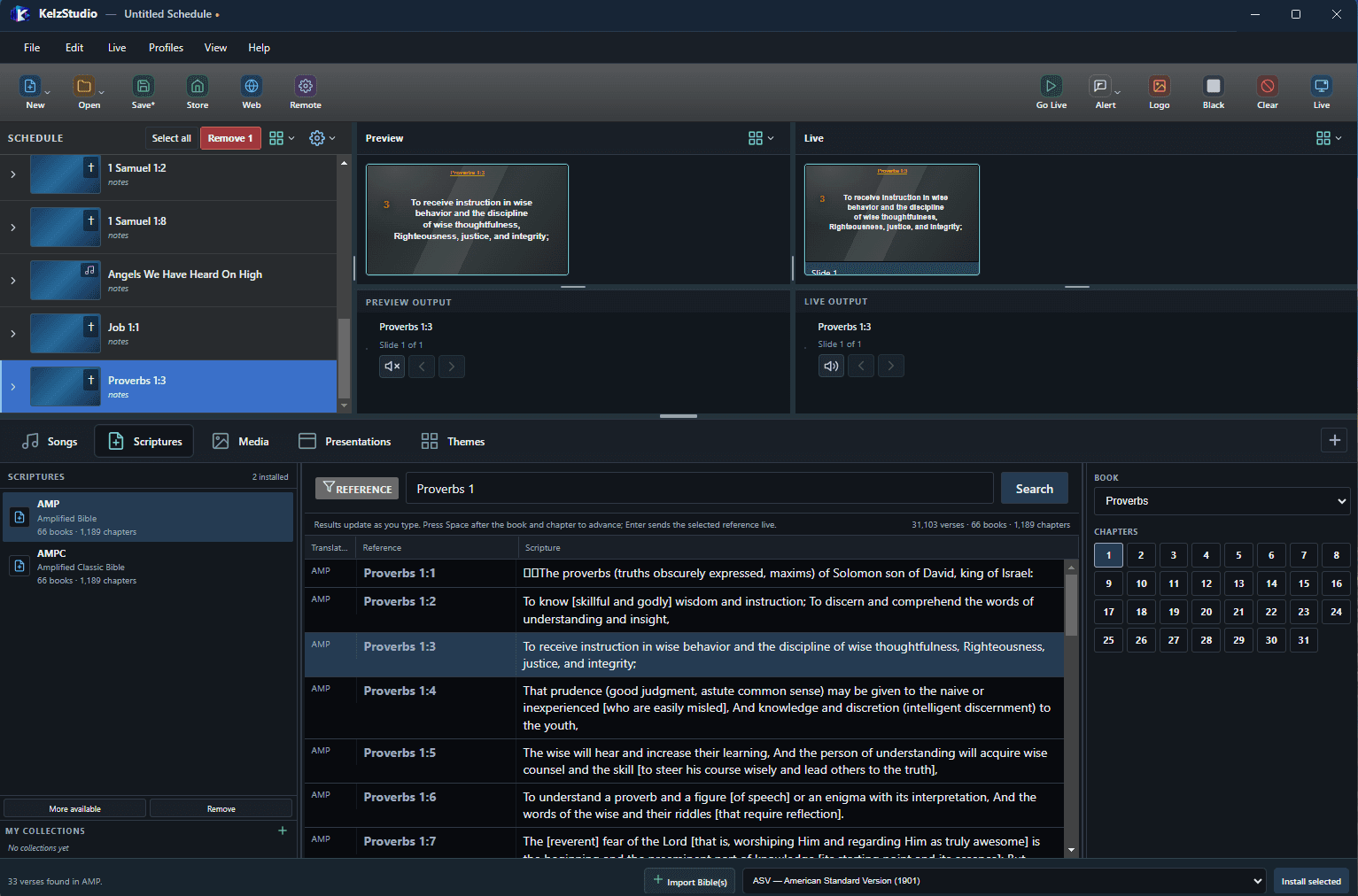
Scriptures
Find a passage by typing its reference and send it live.
- Reference search that updates as you type
- Book and chapter picker
- Install and import Bible translations, with your own collections
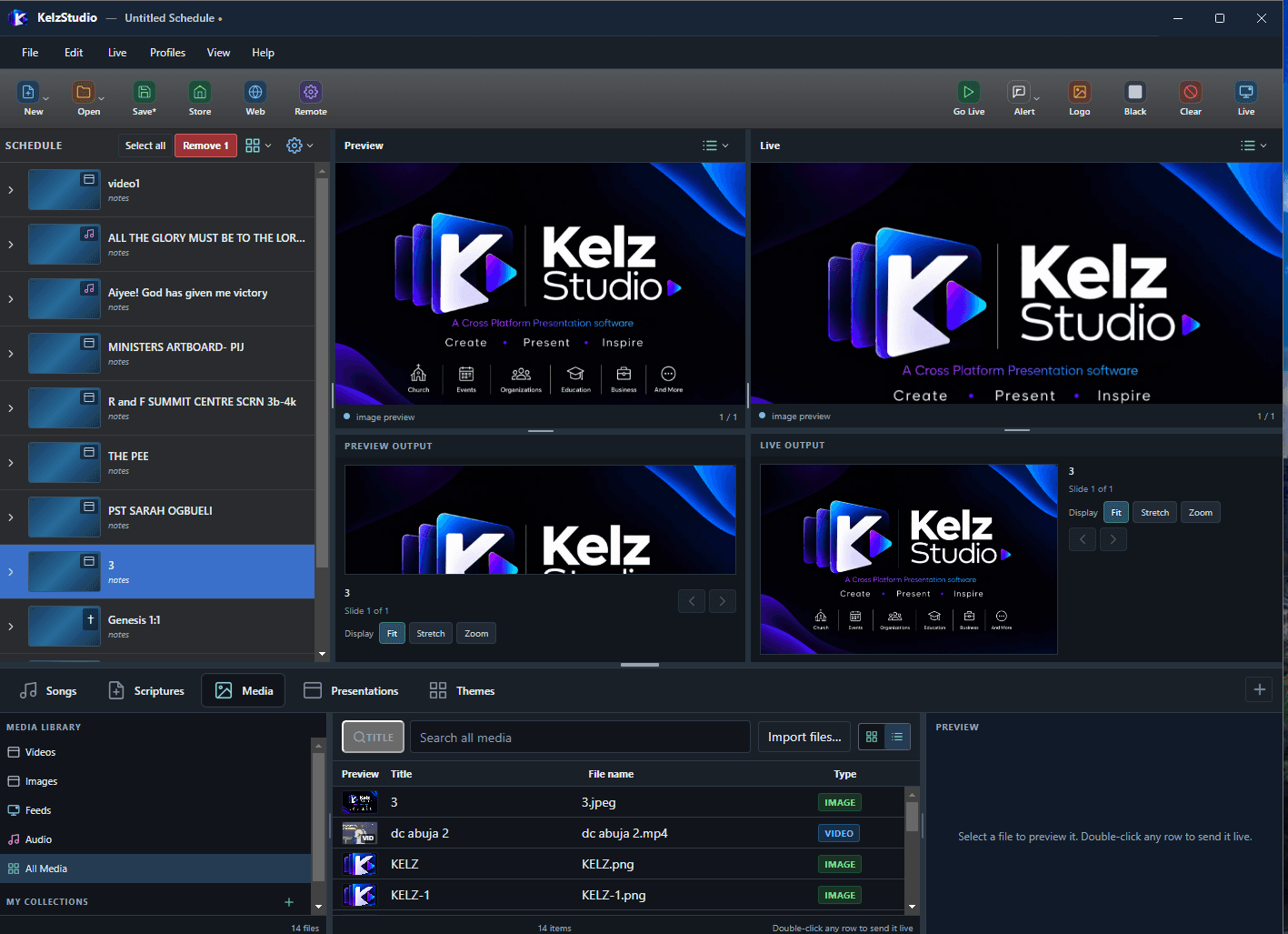
Media
One library for the video, images, feeds and audio you present.
- Videos, Images, Feeds, Audio and All Media views
- Grid or list view with Title, File name and Type
- Import files, preview, then Add to Schedule or Go Live
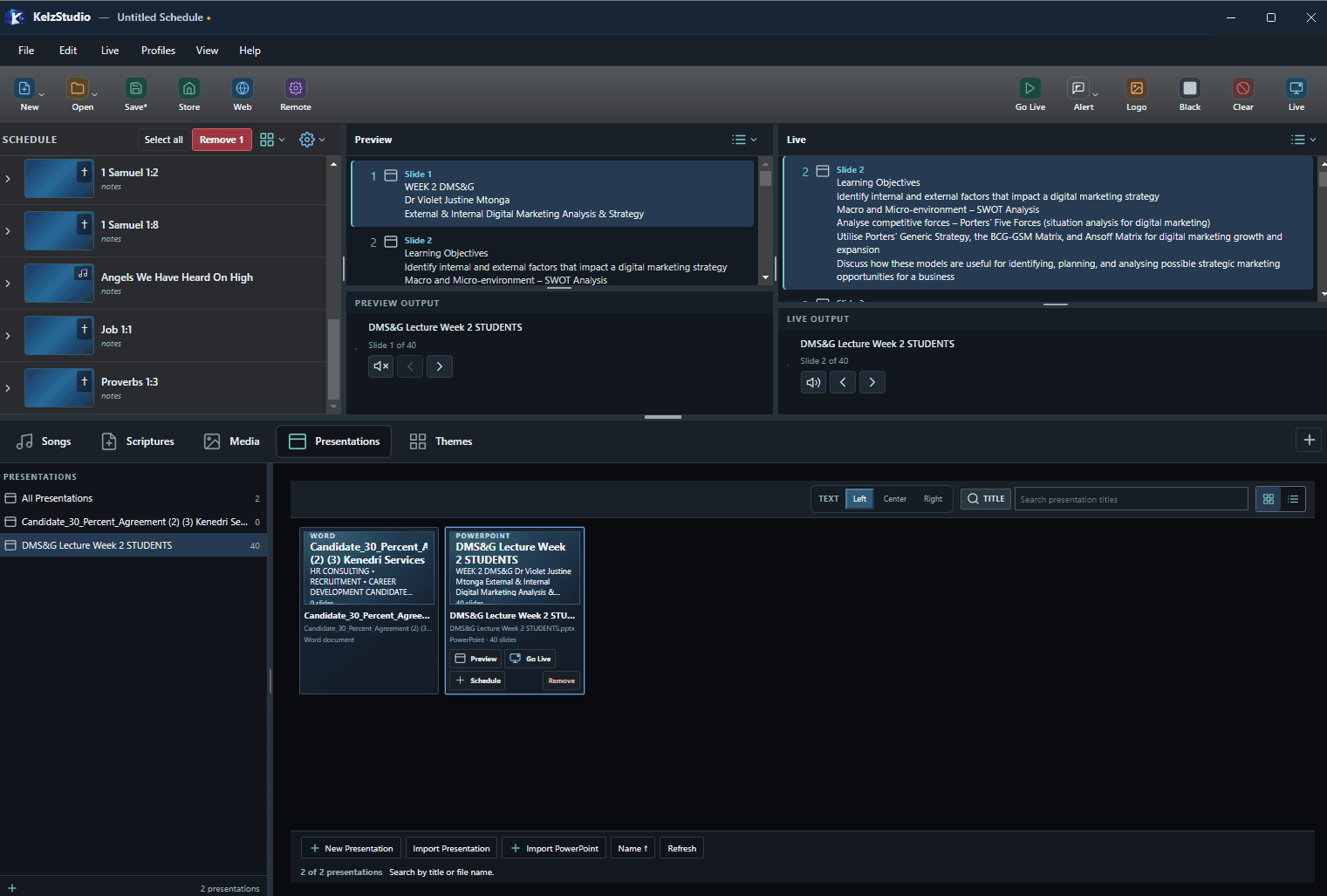
Presentations
Bring Word and PowerPoint presentations into your schedule.
- Create a New Presentation, or use Import Presentation and Import PowerPoint
- The library shows each file’s type and slide count
- Preview, Go Live or add to Schedule from each presentation
- Left, Center or Right text alignment
Themes
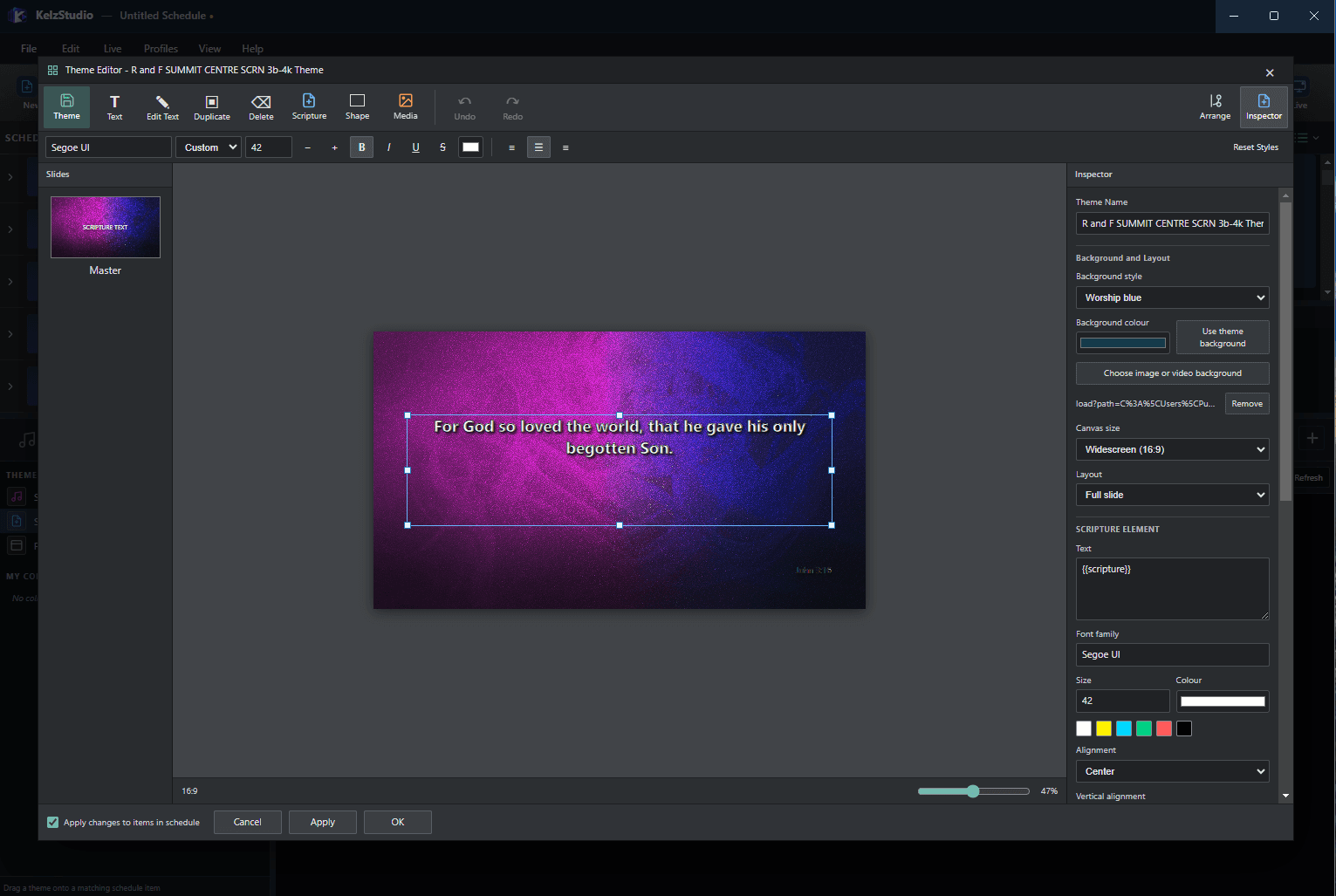
Design how your slides look in the Theme Editor.
- Add Text, Scripture, Shape and Media elements to a slide
- Inspector: background style, image or video background, canvas size and layout
- Font family, size, colour and alignment for each element
- Apply changes to items already in the schedule
OUTPUT MANAGEMENT
Main Output
Your primary audience display. Options cover screen, safe area and preview, plus General, Song, Scripture, Presentation, Transitions and Alerts settings.
Alternate Output
Enable a second output, choose its monitor, and set alpha channel, output position and screen margins.
Foldback / Stage Display
Stage display options for the people presenting.
WORKFLOW AND CONTROLS
Schedule
Build an ordered list of items, add notes, select and remove, and save or reopen it.
Preview and Live
Check content in Preview, then send it to Live. Step through slides with the arrows under each output.
Go Live, Logo, Black, Clear
Dedicated toolbar controls for the live output.
Alerts and Transitions
Separate settings tabs for alerts and transitions on the Main Output.