 KelzStudio
Importing a presentation
Beginner · 3 min read
The Presentations library holds Word and PowerPoint presentations alongside your other content.
- 1
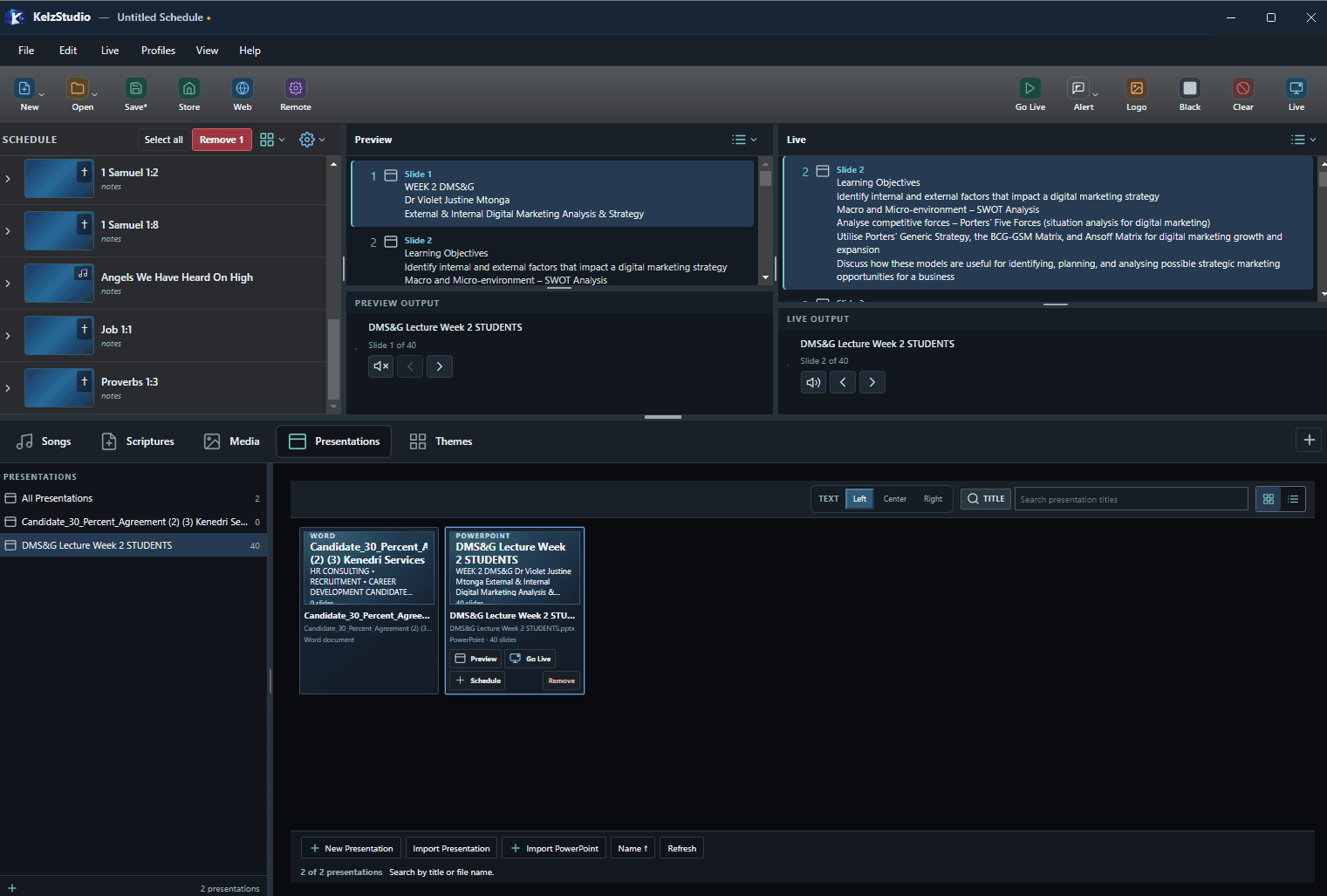
Open the Presentations tab. Each presentation shows its type and slide count.
- 2
Use New Presentation, Import Presentation or Import PowerPoint at the bottom of the library.
- 3
Select a presentation, then choose Preview, Go Live or Schedule.
- 4
Choose Left, Center or Right text alignment at the top of the library.
Note: Search by title or file name.